Free · no sign-up · export to PDF
Tailor your résumé to every job.
Paste a job description and Cutline rewrites your CV to match it, shows the keywords an ATS will look for, and exports a clean PDF in minutes.
- No account or email
- ATS keyword check
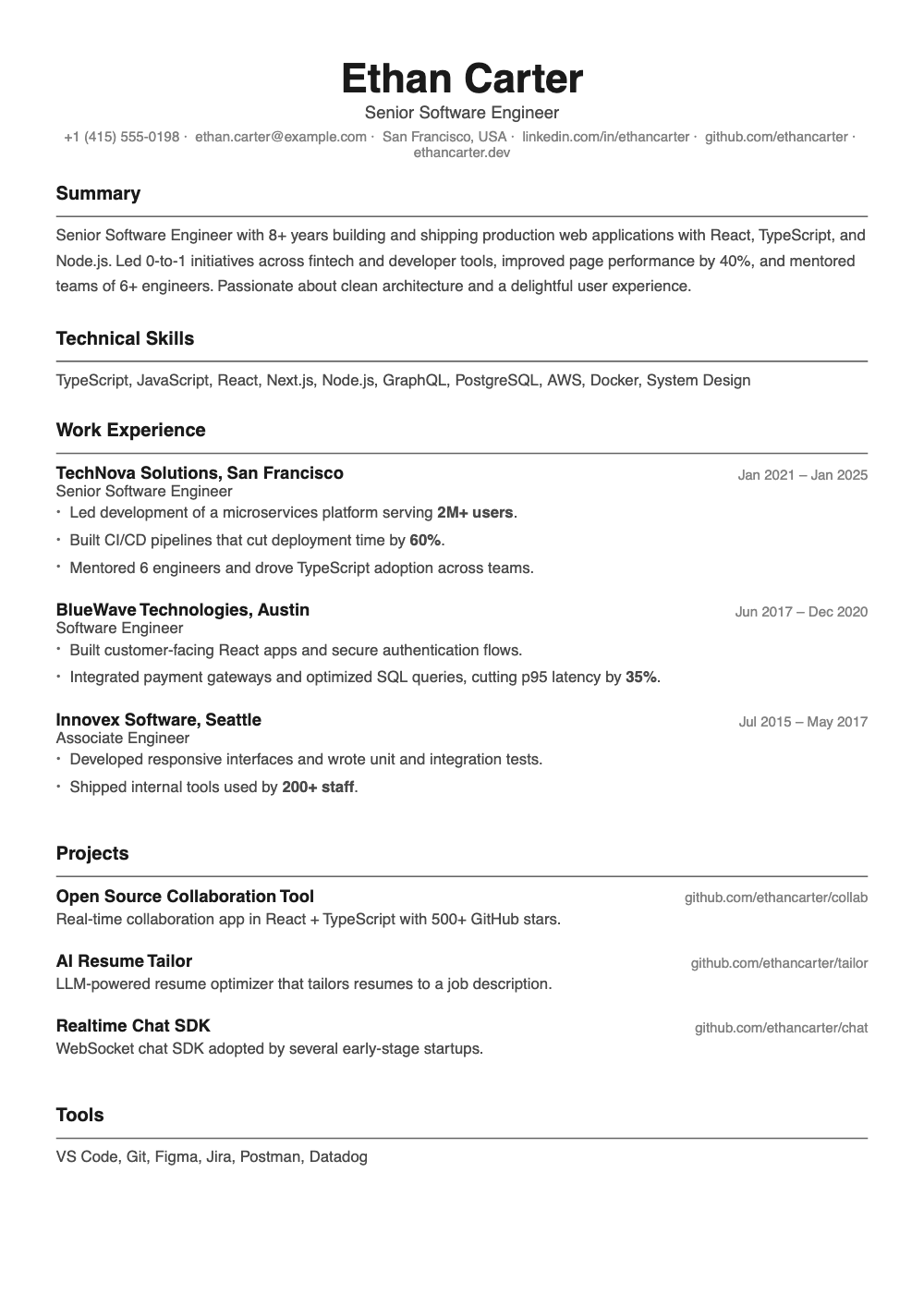
- Five PDF templates
Ayesha Khan
Frontend engineer · Lahore
Experience
Worked on the website Rebuilt the checkout in Next.js and TypeScript, cutting drop-off by 18%.
Led a design-system migration across React and Storybook for 6 product teams.
Mentored three junior developers through code review and pairing.
Added 2 missing keywords from the job post: TypeScript, Storybook.
How it works
From the CV you have to the one they want.
- 1
Bring your CV
Import a PDF or start from your profile. Your experience is parsed into editable sections.
- 2
Paste the job
Cutline reads the job post and rewrites your summary, bullets and skills to match it.
- 3
Check the match
See which keywords an ATS will look for, which you cover and which you are missing.
- 4
Export a clean PDF
Pick a template and download a polished, ATS-friendly PDF in one click.
Features
An editor with a red pencil and a recruiter's eye.
Edit by conversation
Ask for "shorter bullets" or "more impact in my last role" and watch the changes land in place.
ATS keyword check
A keyword list taken from the job post, with each one marked as required or preferred.
Writing critique
Flags weak verbs, vague claims and missing numbers, line by line.
PDF import
Start from the CV you already have instead of retyping it.
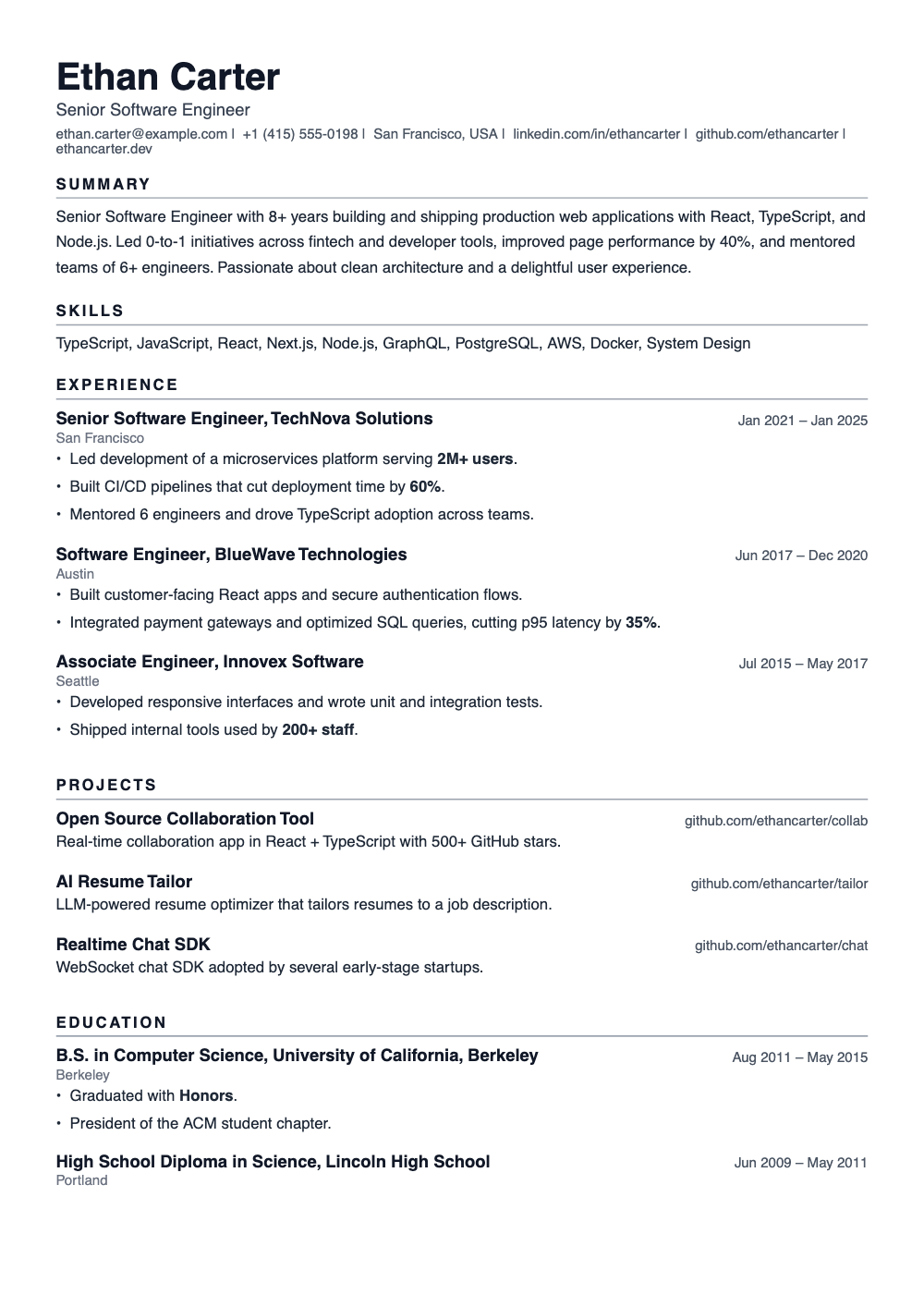
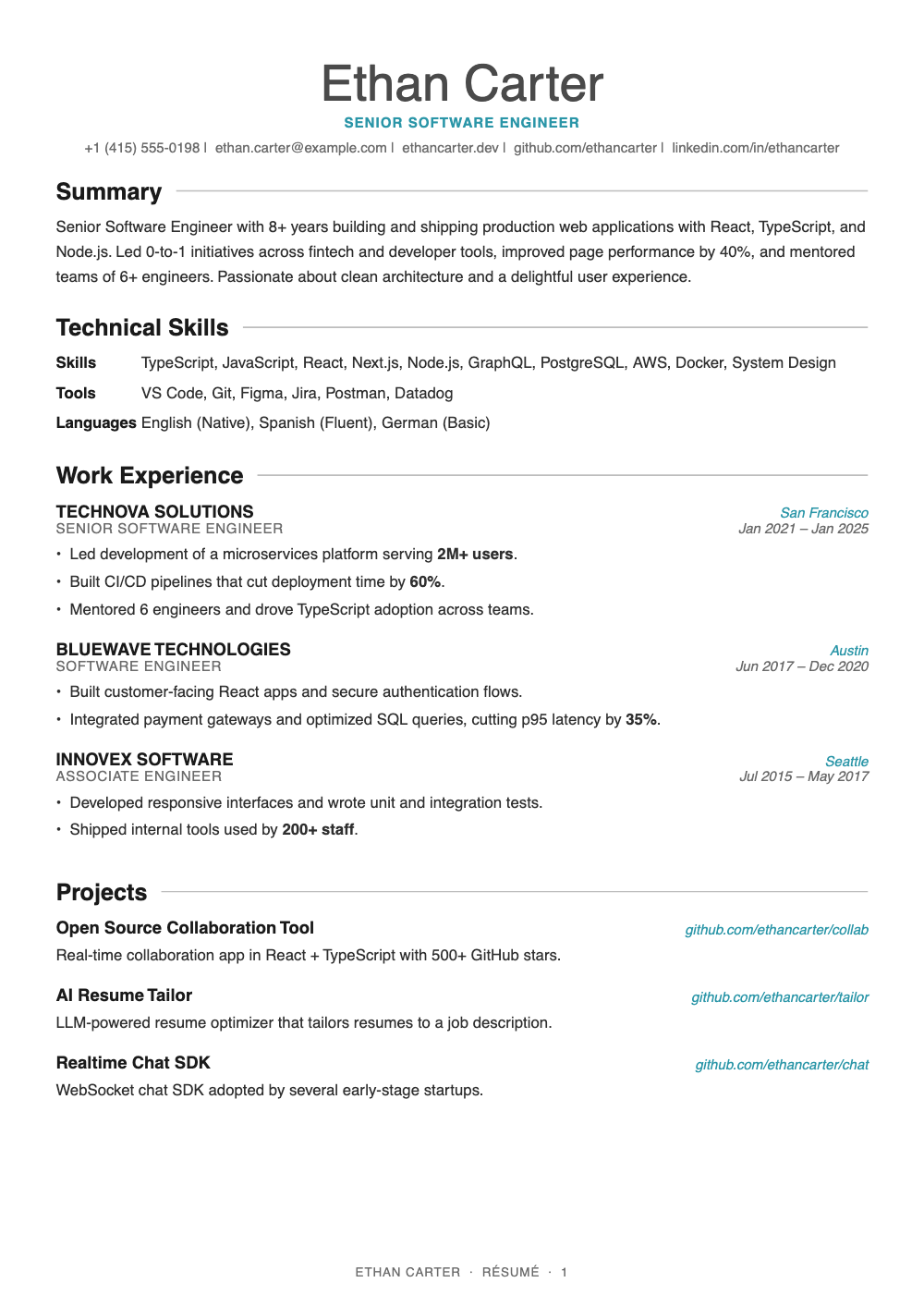
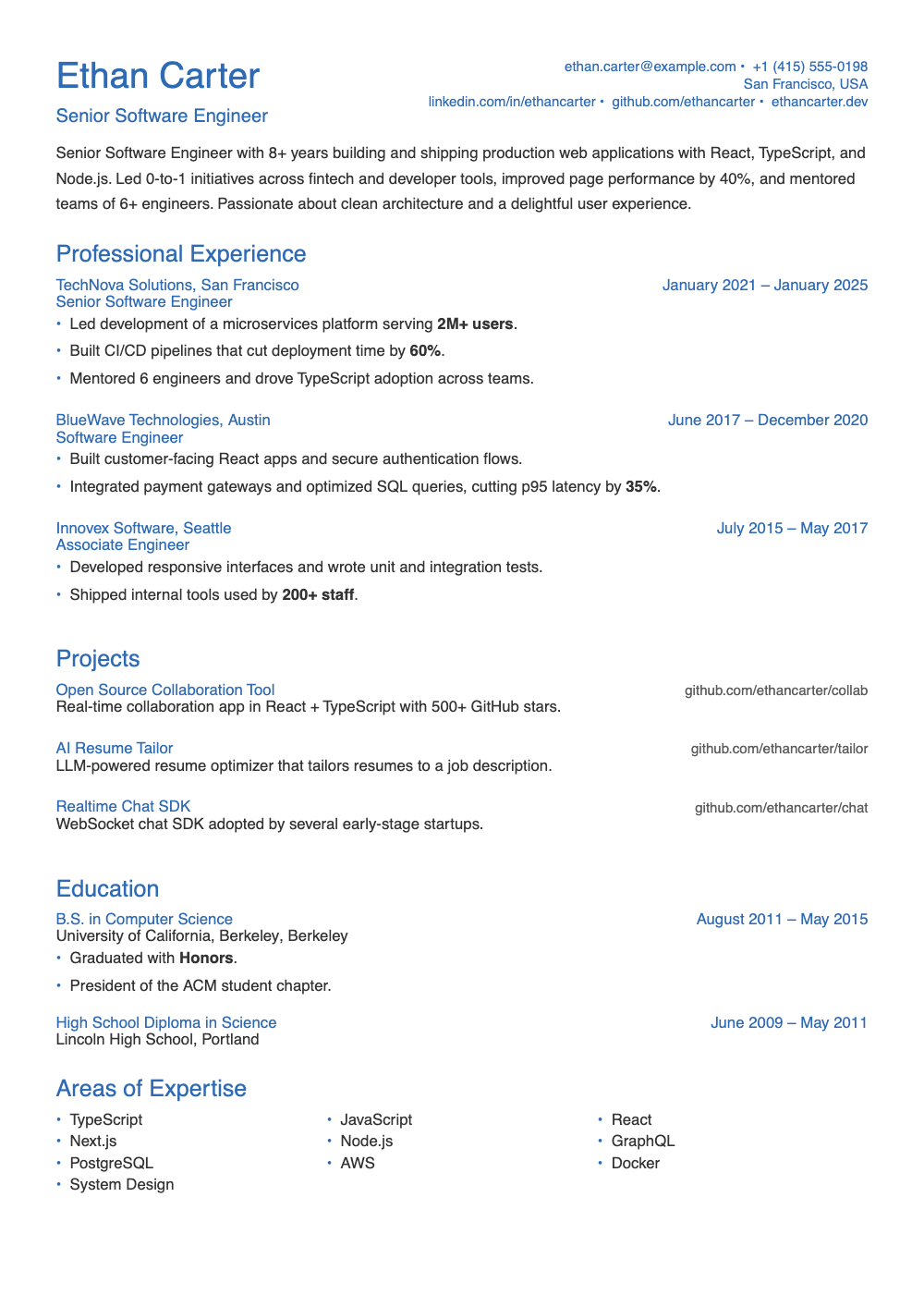
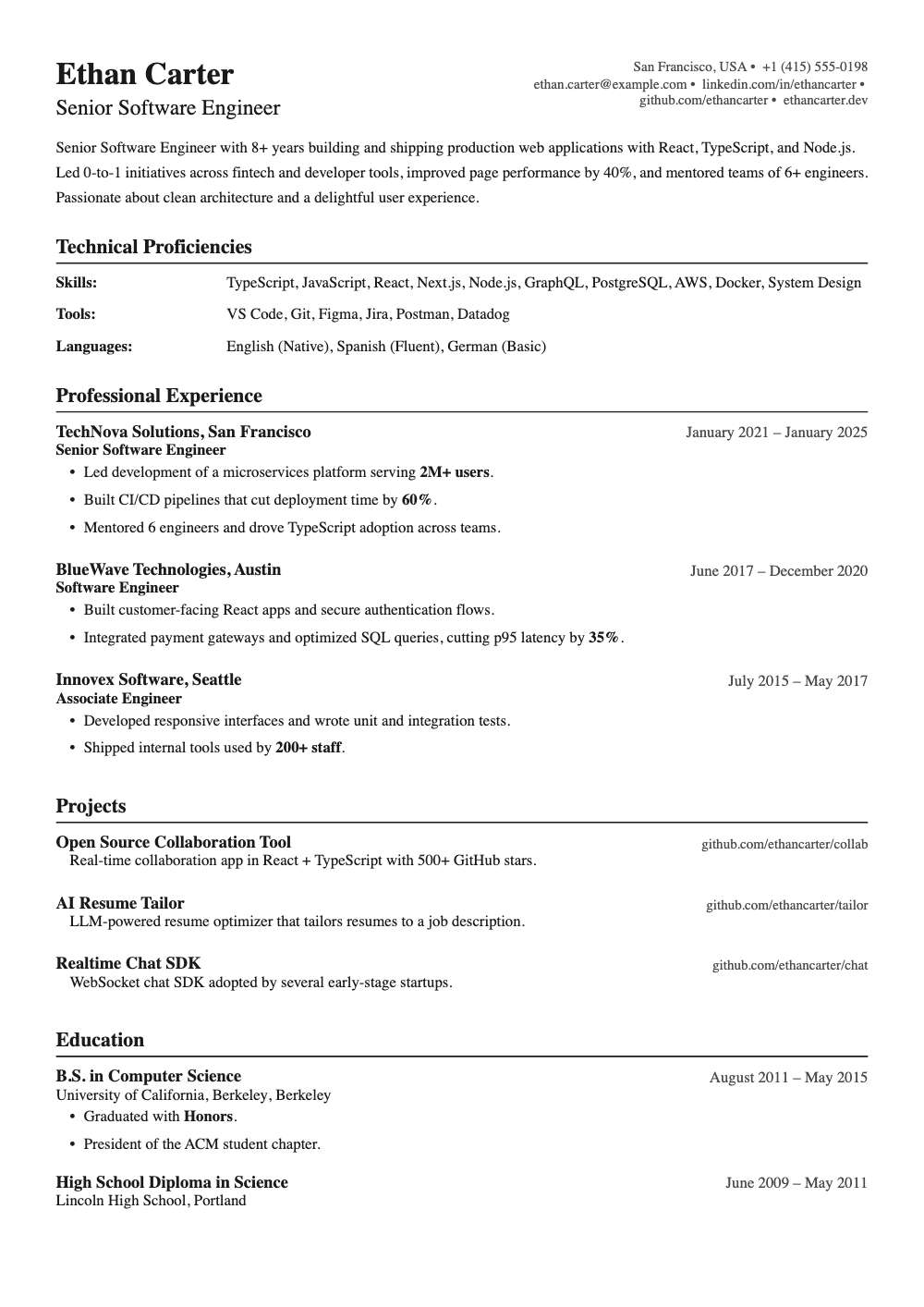
Five templates
From strictly ATS-safe to elegant serif, all exported as real PDFs.
Private by default
No account, no email. Your workspace lives behind a private session in your browser.
Templates
Five looks, all of them readable by machines.